Psychro Calc Pro for iPhone: quick start guide
From installing Psychro Calc Pro on your iPhone to your first psychrometric calculation in a few minutes. The example is air at 25 °C dry-bulb temperature and 50% relative humidity.
-
Download the app from the App Store
Download Psychro Calc Pro from the App Store and open it. No account is needed.
-
First launch and the 3-day free trial
The free trial starts the first time you open the app and lasts 3 days, with every feature available. A strip at the top shows Free trial: 3 days left; on the last day it turns red.
When the trial ends, the purchase screen opens. Unlock Premium is a one-time purchase, priced by the App Store in your currency. Bought it before with the same Apple Account? Tap Restore Purchase.
Below the results table are the message line, the SI/IP switch, the Add Logo, History and PDF buttons and the keypad. READY means you can start.
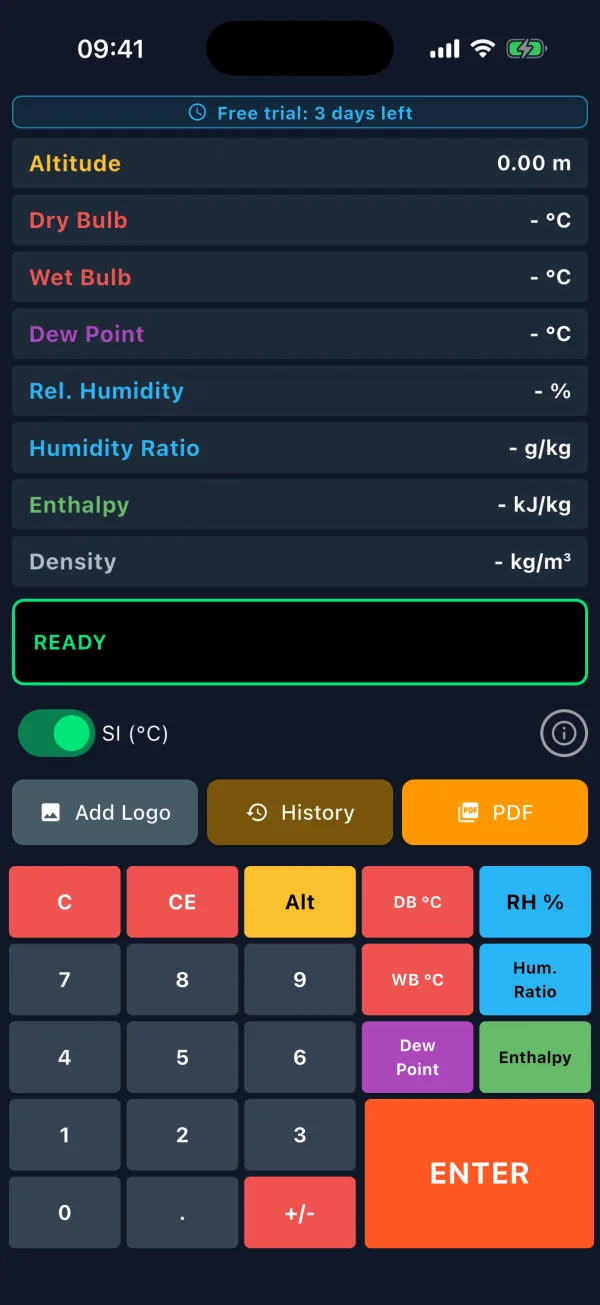
First launch: trial strip and an empty results table. -
Calculate from two known values: 25 °C / 50% RH
Pick the quantity with its key, then type the value.
- Tap DB °C. The message line reads ENTER DRY BULB.
- Tap 2, 5, then ENTER. The message changes to SELECT 2ND PARAMETER.
- Tap RH % and type 5, 0.
- Tap ENTER. The message line shows CALCULATION COMPLETE and the table fills in.
Any two of DB, WB, Dew Point, RH %, Hum. Ratio and Enthalpy work as a pair, except dew point with humidity ratio.
Use a point as the decimal separator and +/- for negative values. The default altitude is 0 m; set another first with Alt.
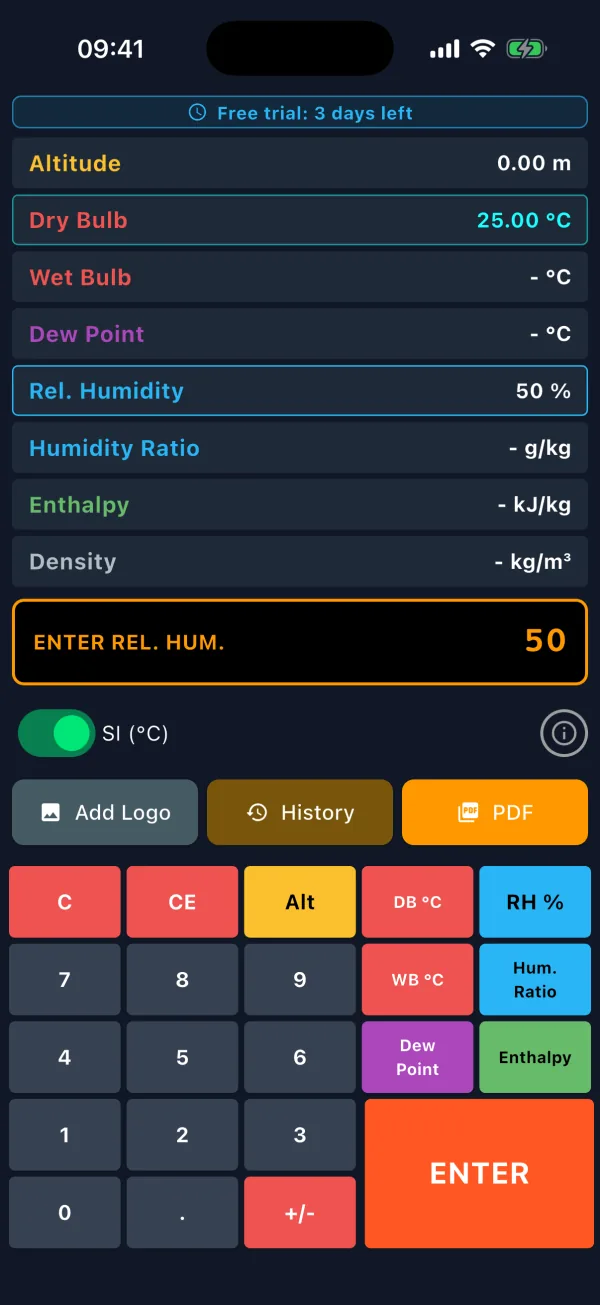
First value entered, second value being typed. -
Read the results
For 25 °C / 50% RH at 0 m the eight rows show these SI values:
Row in the app Property Value Altitude Altitude 0.00 m Dry Bulb Dry-bulb temperature 25.00 °C Wet Bulb Wet-bulb temperature 17.88 °C Dew Point Dew-point temperature 13.87 °C Rel. Humidity Relative humidity 50.00 % Humidity Ratio Humidity ratio 9.92 g/kg Enthalpy Enthalpy 50.43 kJ/kg Density Density 1.18 kg/m³ Humidity ratio and enthalpy are per kilogram of dry air; density is a result only.

Calculation complete: the eight-row results table. -
See the point on the psychrometric chart
The iPhone screen has no chart. Your point is plotted on the psychrometric chart in the PDF report (step 8), with the range chosen from the point’s temperature. The chart in the PDF uses the selected units.
To explore it on screen, use our free online psychrometric chart.
-
Switch between SI and IP units
The switch above the buttons changes between SI (°C) and IP (°F). IP uses °F, gr/lb, Btu/lb, lb/ft³ and ft, and the keys become DB °F and WB °F.
Switching keeps your calculation: the values you entered are converted (for example 25 °C → 77 °F) and the result is calculated again. The altitude stays too.
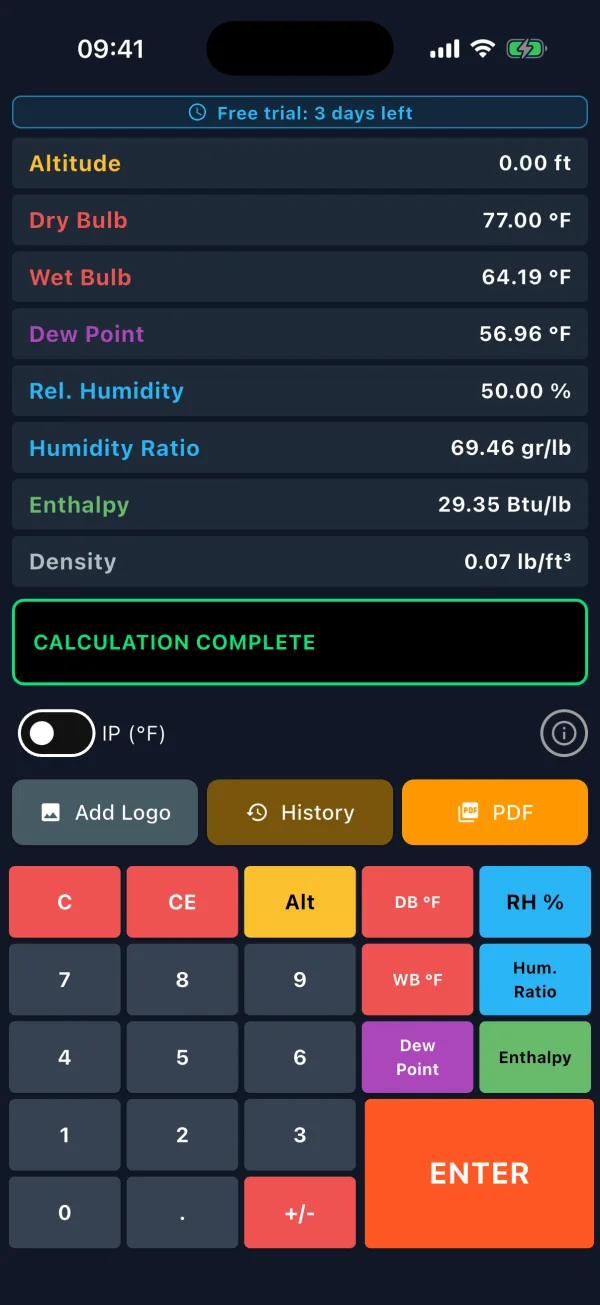
IP units: 77 °F / 50% RH. -
Use the calculation history
Every successful calculation is saved; the list keeps the last 50. Tap History:
- Load: restores the calculation and its altitude.
- Rename: names the entry, for example “Office summer design”.
- The red bin deletes at once; the top-right icon clears everything after asking.
History values are shown in the selected units (SI or IP).
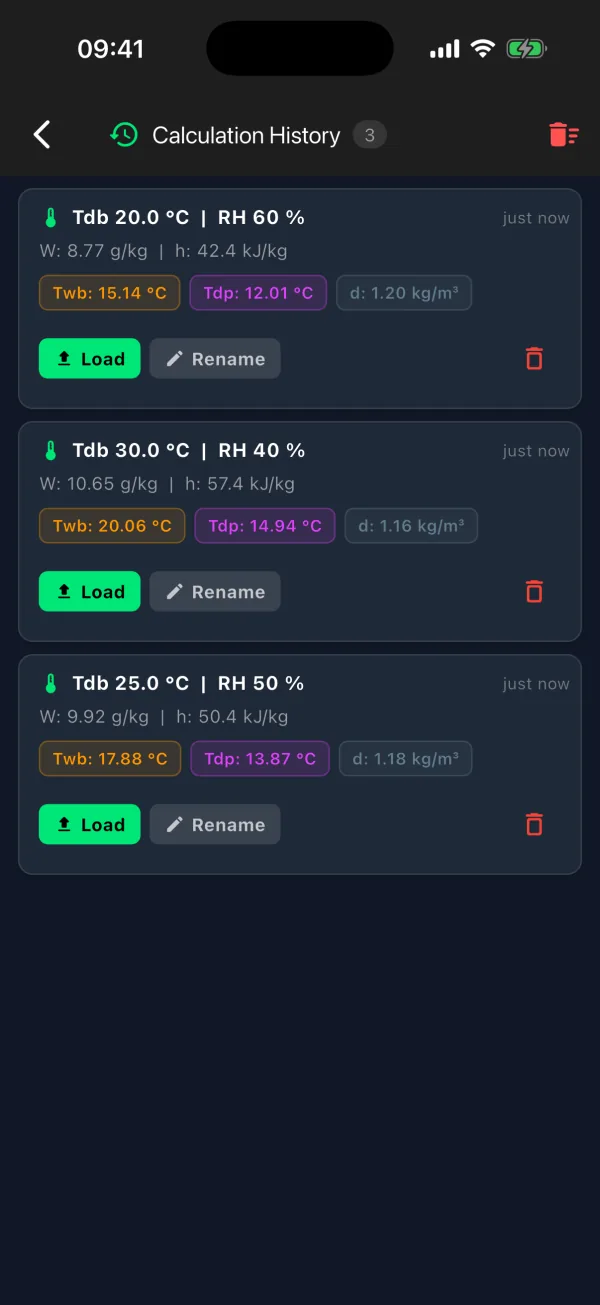
History: load, rename, delete. -
Create a PDF report
After a calculation, tap PDF. The A4 report opens in the iPhone print screen: app version, unit system, date, the chart with your point and the results table.
Tap the share icon at the top right to save it to Files or send it by Mail or AirDrop, or pick a printer.
For your company logo in the top right corner, pick an image with Add Logo first. The system photo picker opens without asking for permission; the logo is kept, without its metadata. Without a result, CALCULATE FIRST appears.

PDF report preview and the share icon.
Frequently asked questions
I typed a wrong digit. How do I fix it?
CE deletes the last digit you typed. C clears the results and the selected inputs and returns the message line to READY; it does not reset the altitude.
The message line turned red. What does it mean?
The two values do not describe a possible state. A wet bulb above the dry bulb gives IMPOSSIBLE (Twb > Tdb); dew point with humidity ratio gives NO SOLUTION.
How do I enter the altitude?
Tap Alt, type the altitude and tap ENTER; the message line shows ALTITUDE SET. Valid range: −500 to 11,000 m, applied from the next calculation.
I moved to a new iPhone. How do I get my purchase back?
Install the app with the same Apple Account. If the purchase screen opens, tap Restore Purchase; you do not pay again.
For features, see the Psychro Calc Pro for iPhone product page. On a Mac, the Mac quick start guide also covers the live chart.